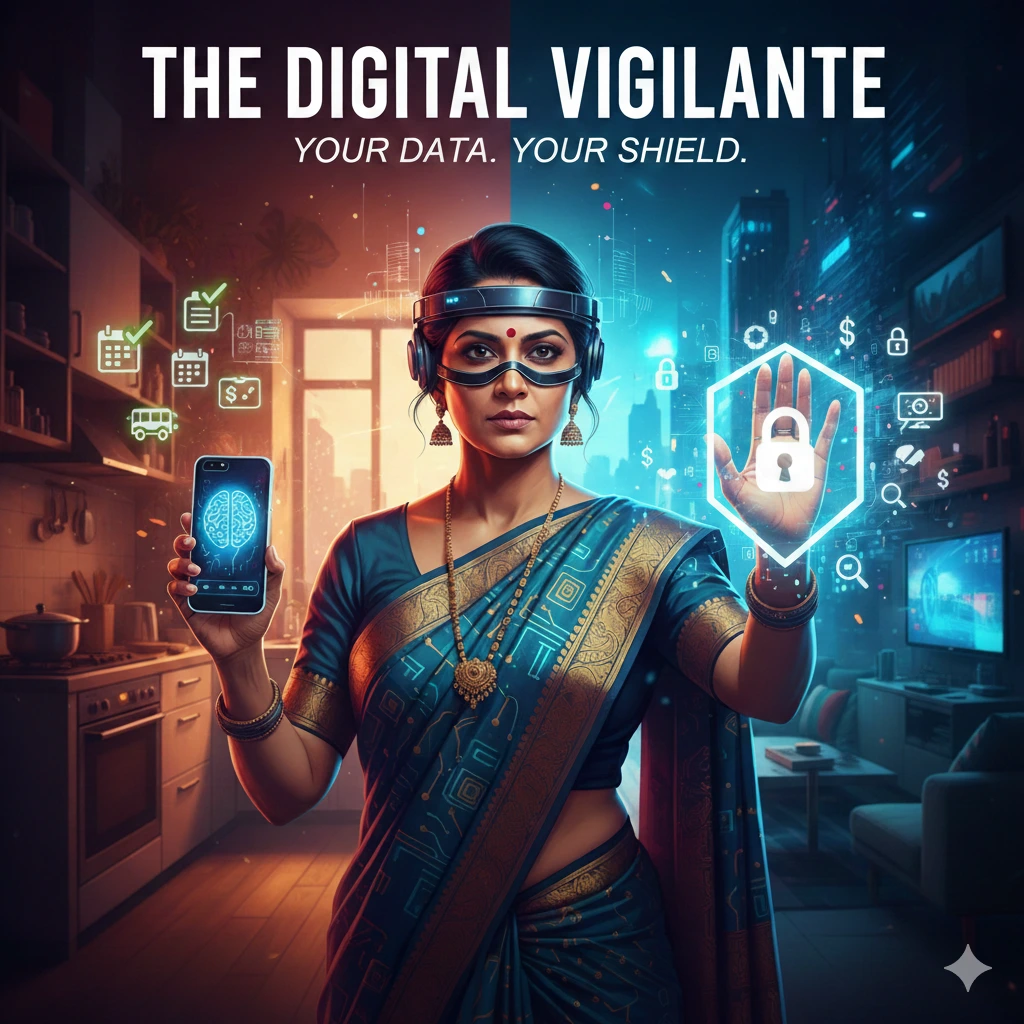
Most of us have a “gut feeling” when something isn’t right in the physical world. We lock our doors, we watch our surroundings, and we trust our intuition. But when it comes to the rectangular device in our pockets, that intuition often goes silent.
We’ve traded our privacy for convenience, piece by piece, until our phones know more about our habits, our health, and our homes than our closest friends do. Being a “Digital Vigilante” isn’t about being paranoid; it’s about being intentional. It’s about deciding that your data is your property.
If you don’t feel safe with your tech, you can’t truly lead with it.
1. The Anatomy of “Digital Leaks”
Your data doesn’t just “leave” your phone; it’s harvested through dozens of small openings you might have left unlatched.
- Metadata: The Hidden Storyteller: Every time you take a photo, your phone embeds "EXIF data." This includes the exact GPS coordinates, the time, and the device used. If you share a photo of your home office or your child’s school, you are inadvertently sharing a map.
- The Fix: Go to your camera settings and disable "Location Tags." For existing photos, use the "Share" options to "Strip Location Data" before sending.
- Cross-App Tracking: This is why an item you looked at on a ahopping site follows you to your social media feed . it's called a "pixel," and it's digital tail.
- The Fix: On iOS, ensure "Allow Apps to Request to Track" is turned OFF. On Android, go to Google Settings > Ads > Delete Advertising ID.
2. The “Invisible” Danger: Stalkerware & Tracking
The most significant threat to women’s safety in tech isn’t a random hacker in another country—it’s the misuse of consumer tech by people closer to home.
- The AirTag Dilemma: Small Bluetooth trackers are miracles for finding keys, but they are also tools for unwanted tracking.
- Vigilante Move: Regularly check the "Items" tab in your Find My app. If your phone says an "Unknown Item" is moving with you, it will give you the option to play a sound on that item. If you find one that isn't yours, do not go home. Go to a public place or a police station and disable the battery.
- Shadow Apps: Some apps are designed to look like calculators or utility folders but are actually "vaults" or "spyware."
- Vigilante Move: Periodically check your "Battery Usage" in settings. If an app you rarely use is consuming 20% of your battery, it’s likely running a heavy background process (like recording or uploading data).
3. Protecting the “Household CEO”
If you lead the household, you are the gatekeeper for everyone else’s digital safety, too.
- The Router is the Castle Gate: Most people never change their router’s default admin password (usually "admin" or "password"). This is the easiest way for someone to "sniff" every bit of traffic in your house.
- The Fix: Log into your router settings (usually by typing 192.168.1.1 into a browser) and change the admin password—not just the Wi-Fi password.
- Smart Home Hygiene: Your smart fridge, your "Alexa," and your smart lightbulbs are often the weakest links. They rarely get security updates.
- Vigilante Move: Create a "Guest Network" on your Wi-Fi specifically for your smart home devices. This keeps them isolated from the "Main Network" where you do your banking and private emailing.
4. The Ethics of Your Inner Life
We need to stop thinking of “Privacy” as having something to hide. Privacy is about having a boundary.
When an AI assistant “predicts” what you want to buy, it is effectively narrowing your world. It is taking your past behavior and using it to cage your future choices. A true Digital Vigilante breaks the algorithm by:
- 2. Using "Burner" Emails: Use services like Hide My Email for newsletters or one-time shopping discounts so your primary identity isn't sold to a thousand brokers.
The Closing Challenge:
This week, I want you to perform a “Digital Housecleaning.” Delete five apps you haven’t used in three months. Each app you delete is one less door left open into your private life.
Lead the choice. Own the tech. Stay vigilant.
If you are going through any kind of trouble in life, if you feel like you need someone to talk to but are too shy to speak up, use this anonymous feature to send me a message.